

JR. DEACS TICKETS
Hi Jr. Deacs! As a member, you receive free admission to all regular-season home soccer, women's basketball, and baseball games (subject to availability). Members are also eligible for free admission to one select football game and two select men's basketball games each season. All other Wake Forest Athletics events are free admission for the general public.
For sports that are in season, you can use the links below to claim your tickets. Please use the email address associated with your parent account to claim your complimentary tickets. It may take up to seven days after joining for your ticket claim link to work.
For questions or assistance, please contact us at jrdeacs@wfu.edu from 8:30 a.m. to 5 p.m. Monday through Friday. Thank you for your support of the Demon Deacons!
HOW TO ACCESS YOUR TICKETS
STEP ONE
Click the "box" on the events that you are interested in attending.
STEP TWO
Click "Confirm Your Access" and enter the email address associated with your Jr. Deacs account.
STEP THREE
Proceed to add your complimentary Jr. Deacs ticket(s) and any other tickets for non-members to your cart. Please note all Jr. Deacs tickets for soccer are general admission and permit access to any open seating in sections 1, 2, 4, and 5 at Spry Stadium.
STEP FOUR
Once you go to checkout, input your payment information and complete your purchase.
STEP FIVE
After you complete your purchase, you will receive an email from FEVO Enterprise (noreply@fevo-enterprise.com) notifying you on when you will receive your tickets. Once you receive your tickets, add them to your mobile wallet to avoid delays at the gate on game day. Please note you must access your tickets on a mobile device; you will not be able to access your tickets on a computer.
CLAIM YOUR JR. DEACS TICKETS
Tickets for fall sports are coming soon! Please note your discount will be automatically applied during the purchase process and all ticket fees are included in the ticket price.

Football
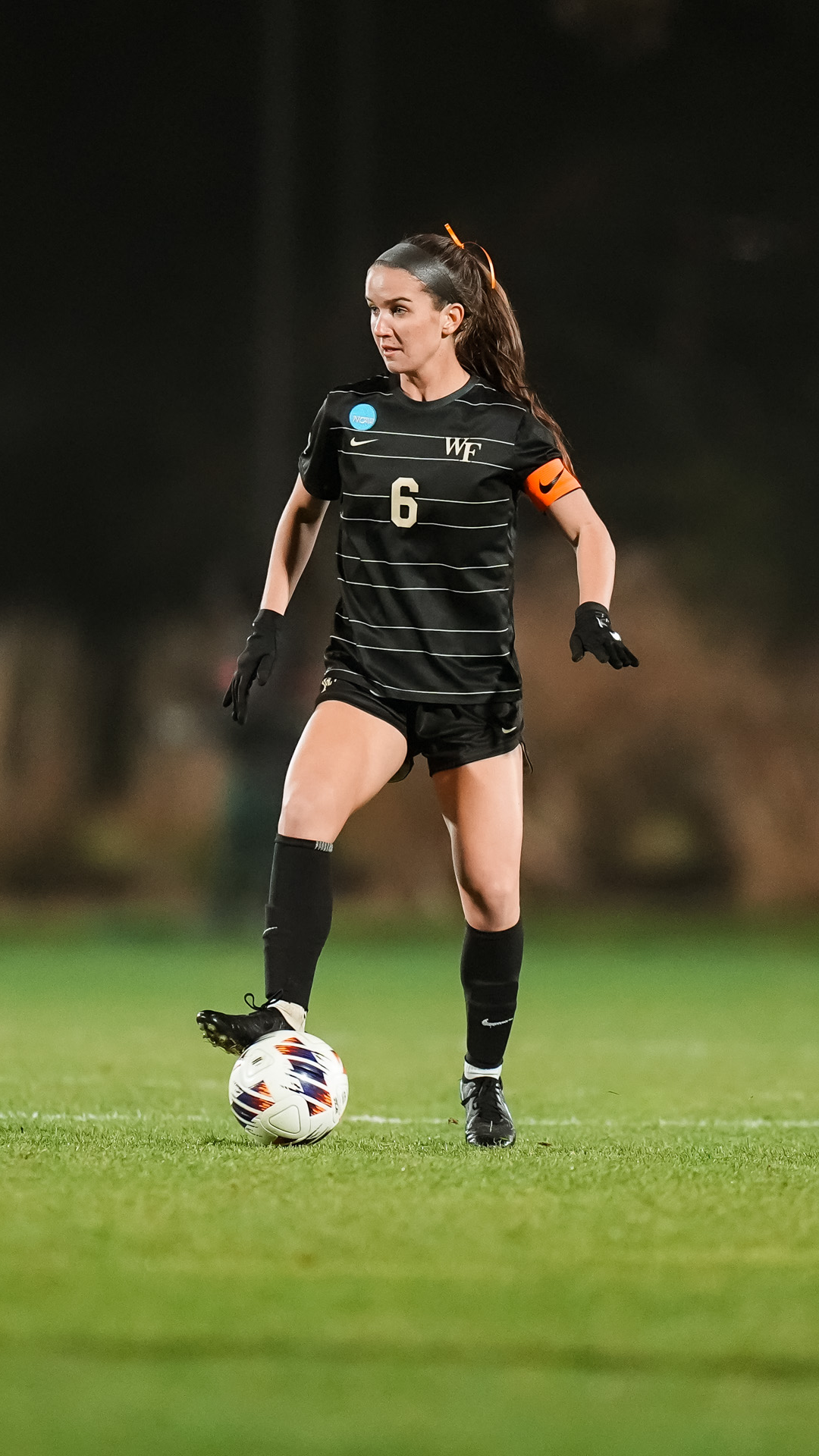
Women's Soccer

Men's Soccer
© 2025 Wake Forest University Athletics